Most lists of essential tools for content creators are sorted by product type: cameras, microphones, lights, software. That makes it easy to fill a cart and hard to know which purchase will change your results. This article sorts a lean kit by the job each tool does (capture, edit, publish, track and earn) and gives you one rule for the order to buy in. For the AI side of the kit, see AI tools every new creator needs, which this article does not repeat.
Start with the job, not the gadget
Buy a tool only when a specific, repeated problem in your workflow calls for it. “My content looks amateur” is a feeling. “I re-record every clip because of room echo” is a problem, and a specific tool fixes it.
Ask three questions before any purchase:
- Which job does this tool do: capture, edit, publish, track or earn?
- What is going wrong in that job right now, and how often?
- If the problem went away, would it change what you publish or what you earn?
If the third answer is “not really,” the purchase is a preference. Preferences are fine once income covers them.
The order follows from the jobs. Publishing and tracking come first, because content with nowhere to live and no measurement teaches you nothing. Capture upgrades come next, then editing software once editing time is what slows you down.
Capture: the camera, mic and lighting that matter most
Capture is where creators overspend first, so the order of upgrades matters more than the brand.
Audio first. Muffled or echoing sound is harder to listen through than a slightly soft image. A microphone close to your mouth picks up your voice instead of the room, so a clip-on or a USB microphone on a stand beats an expensive one across the desk. Recording near a sofa, curtains or a bed with a duvet also cuts echo at no cost.
Light second. Face a window so the light falls on your face rather than behind you. For evenings or dark rooms, one lamp in front of you and slightly to the side is a sensible first purchase.
Camera third. The phone you own is your camera until it stops doing a job you need, for example when storage fills during long recordings or it overheats. “A better camera would be nice” is not a reason.
Support last. A tripod or phone stand is cheap and prevents shaky footage, so buy it early if you like. It ranks last only because it matters least until the other three are in place.
Edit and design: software for video, audio and graphics
Decide the outputs first. Most creators need edited video, clean audio, and images such as thumbnails and social graphics.
For video, choose an editor that handles trimming, captions, basic transitions and export for your platforms. Many free and low-cost editors do this, and the best one is the one you can use without searching for a tutorial every session. Check whether it already includes noise reduction and volume leveling before you buy a separate audio program.
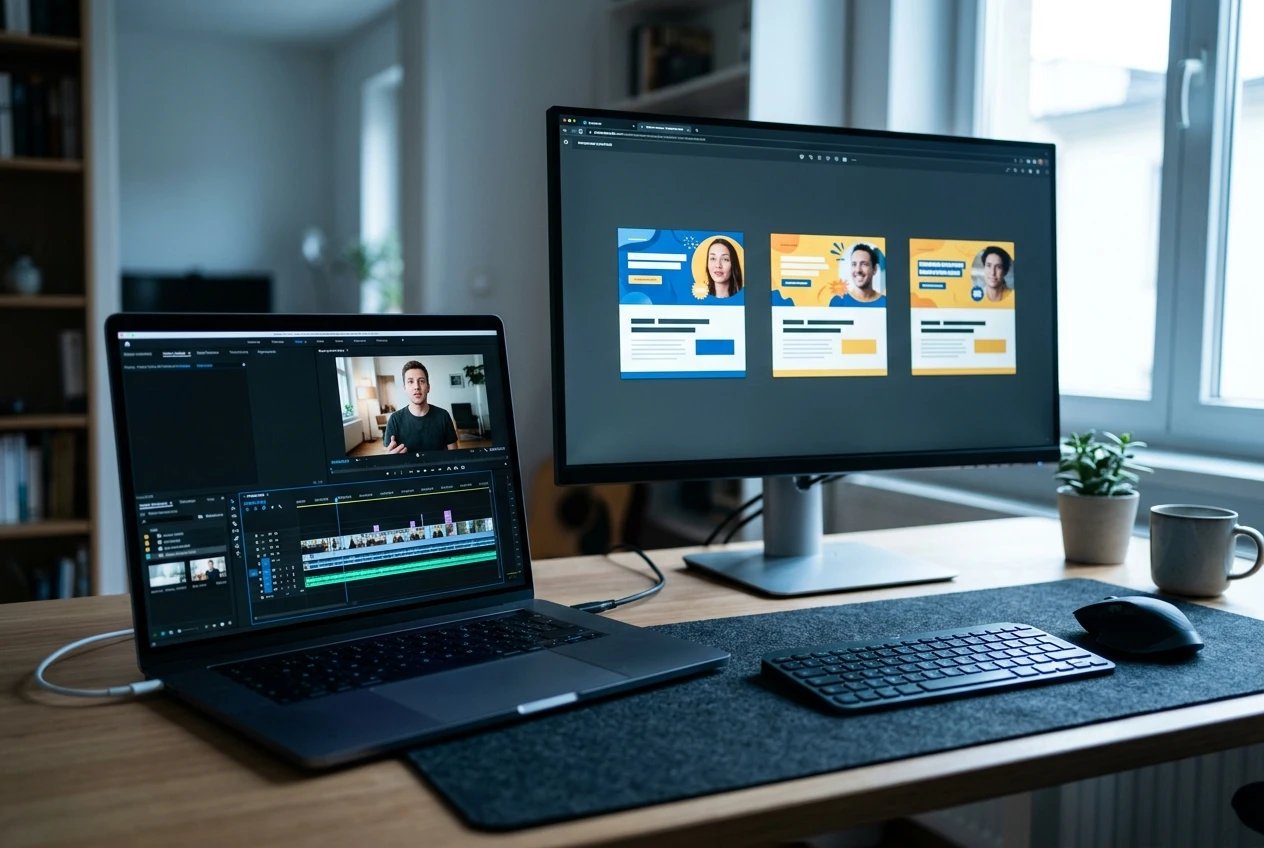
For graphics, pick a design tool with templates sized for thumbnails and posts, then build two or three of your own with the same fonts and colors.
To test any editing tool, time how long it takes to go from raw footage to a published piece. If that number drops as you learn the tool, keep it.
Write and publish: a site you own
Social platforms give reach, but you do not control them. Rules change, accounts get restricted, and reach can fall without explanation. A site you own keeps your articles up, holds your affiliate links, and lets search engines send visitors to content that keeps working after you post it. A video can also be embedded in an article, so the site collects what you make elsewhere.
Writing is the cheapest part of the kit: a keyboard, a quiet hour and a clear outline. For more on why this matters for search and trust, see why blogging still matters in 2026. Early on, a site, a steady posting schedule and a place for drafts are enough. Scheduling tools pay off once manual posting costs you real time.
Track and earn: affiliate links, analytics and what pays
You cannot improve income you cannot see, so earning and tracking go together.
- Affiliate links. Join programs that fit your niche and products you would honestly recommend. Place links where they help a reader decide, such as in a comparison, how-to or review. Read each program’s terms and follow the disclosure rules where you operate.
- The program dashboard. Check clicks, conversions and commissions on a fixed day each week. Many clicks and no sales point to the offer or the page. Few clicks point to link placement or traffic.
- Site analytics. A basic tool shows which pages draw visitors and where they come from, which tells you what to write more of.
A simple spreadsheet joins these. List each piece, its date, its affiliate link, its visits and its commissions. After a few weeks you can see which topics pay.
Tools to skip until you have an audience
These purchases feel productive and rarely move income until a named bottleneck exists:
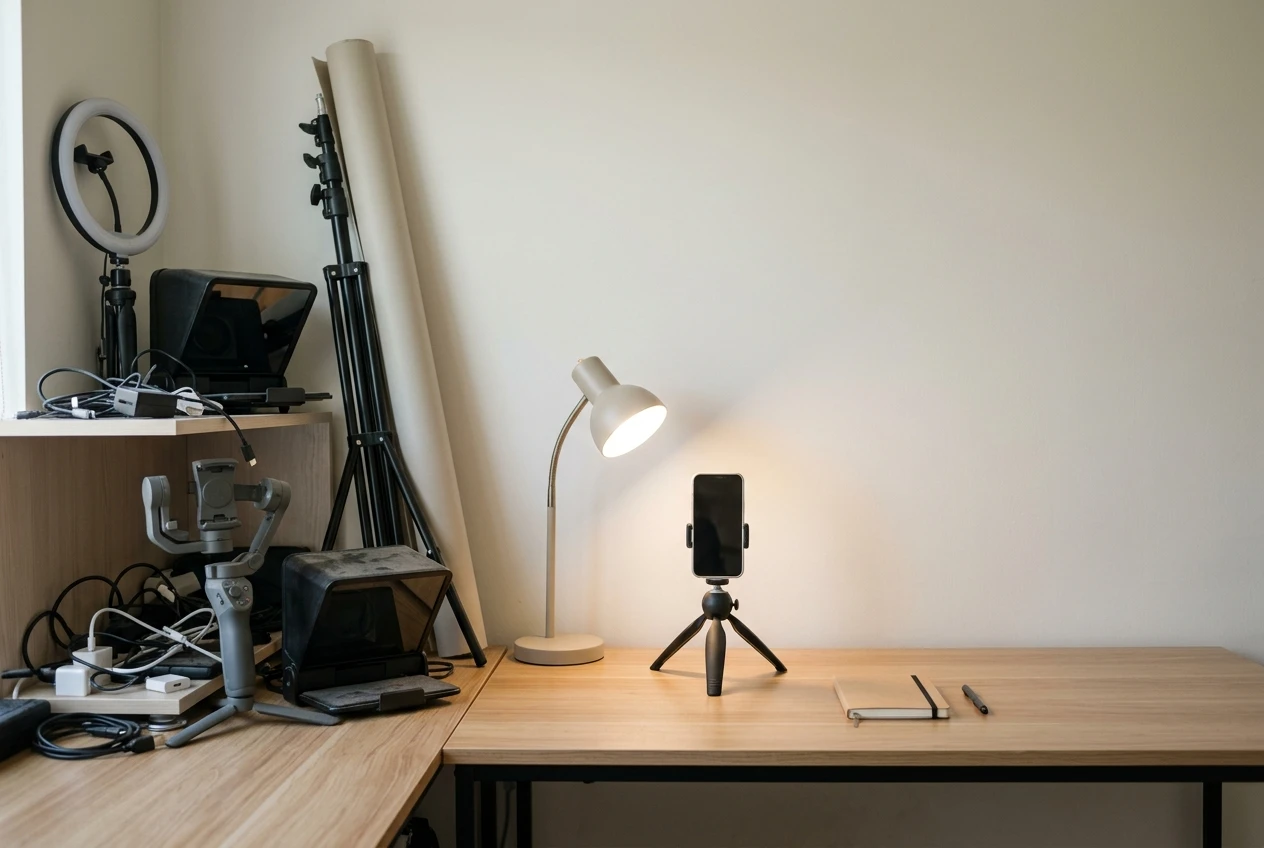
- Multiple lights, backdrops and a full studio. One good light source solves most lighting problems.
- A new camera body or lens. Your phone covers the work until a concrete limit appears.
- A gimbal or rig. Useful for movement-heavy shots, unnecessary for talking-head or screen content.
- A teleprompter. An outline on a second screen does the same job.
- Premium editing subscriptions and paid dashboards. Your current editor, site analytics and affiliate dashboard answer the first questions.
- Overlapping apps for one job. One tool you know well beats three you half know.
A starter kit by stage
Your first month
The goal is to publish consistently and see what the numbers say. You need the phone you own on a stand, a microphone close to you or a quiet soft-furnished room, a window or one lamp, one video editor and one template-based design tool, a site with your first articles, and a spreadsheet.
Your first income
Once commissions begin, upgrade the capture item that causes the most re-recording, most often audio. Add site analytics, review your affiliate dashboard weekly, and join one or two more programs that fit topics already performing.
When you scale
Time becomes the scarce resource, so spending that saves time makes sense: a better camera or second light if viewers and income justify it, and scheduling tools once manual posting takes a real share of your week. The same rule applies at every size.
Money in this business comes from the skills you add, and a tool is only as useful as the skill behind it. Learning to earn as a creator, one skill at a time goes further into that approach.
Pick the one gap in your kit that is slowing you down most, then use Focus on this in Learn to build that skill before you buy anything new.
